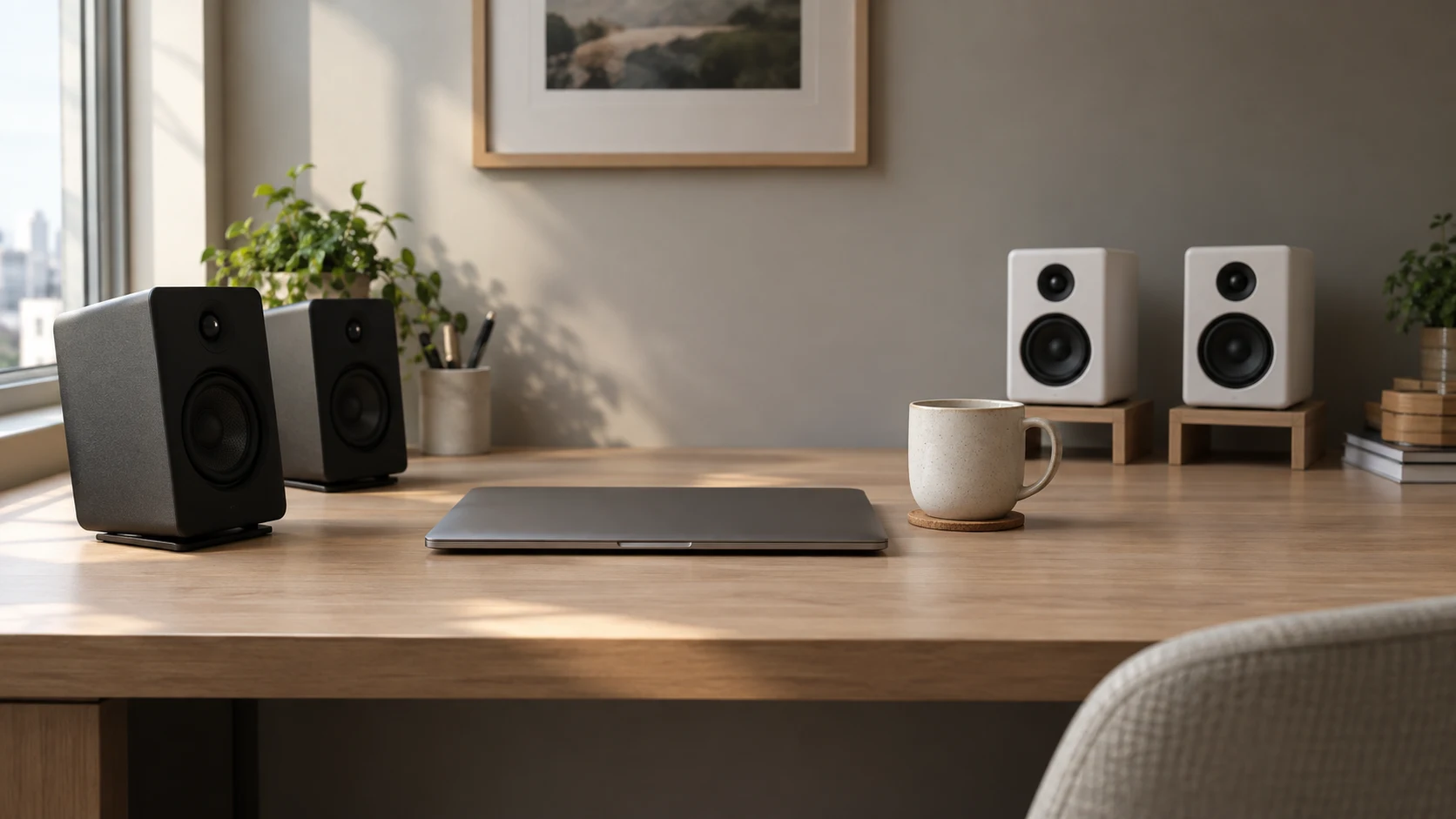
Laptop speakers are aimed at the desk, not at you, which is why music sounds thin and a podcast sounds like it is coming from another room. These four are ordered by how many desks they suit rather than by absolute quality, so the first one is the one most people should buy and the last one is for a specific want. Prices move around, so check the current one before buying.
1. Creative Pebble V3
Most people do not need good speakers, they need speakers that are not actively bad, and the gap between a laptop and the cheapest competent desktop pair is far wider than anything you gain spending more after that. These are two small spheres with the drivers angled up at 45 degrees so they fire at your face instead of past your ears.
They run on a single USB-C cable for both power and audio, with Bluetooth 5.0 and a 3.5mm input as alternatives, and put out 8W RMS. The angled drivers are the part that matters at this size, because a flat-firing speaker this small loses most of its detail into the desk. At 8W there is no real low end, so bass-heavy music will sound polite rather than full, and if you are plugging into a desktop tower, use a rear USB port, because front-panel ports sometimes cannot supply enough current and the speakers will cut out at volume.
What you gain: Speech and music arrive aimed at your head instead of bouncing off the desk, for about the cost of a couple of takeout meals.
2. PreSonus Eris 3.5 BT, 2nd Gen
If you edit video, mix anything, or just want to hear what a recording actually contains, you want monitors rather than consumer speakers. The difference is tuning: consumer speakers flatter everything with boosted bass and treble, monitors aim for flat, which is less fun and far more useful when you are making decisions about sound.
The 3.5 inch woven composite woofers and silk dome tweeters give you a real crossover rather than one driver trying to cover everything, with 50W between the pair, Bluetooth, a front headphone jack, and both TRS and RCA inputs on the back. Flat response is a double edge: badly mastered music and compressed video audio will sound worse than they do on consumer speakers, because nothing is hiding it. These also want to be at ear height and angled in toward you, roughly forming a triangle with your head, so budget for stands or a riser and for two boxes that are noticeably larger than the Pebbles.
What you gain: You hear what is actually in the file, which is the whole point if you are making anything with audio in it.
PreSonus Eris 3.5 BT on Amazon
3. Audioengine A2+ Wireless
This is the pick for someone who listens to music at their desk all day and wants it to sound good rather than correct. Audioengine builds these as small hi-fi speakers rather than computer accessories, and they have the cabinet volume and the amplifier to show it.
You get 60W peak through 2.75 inch kevlar woofers and silk dome tweeters, with a built-in USB DAC, RCA inputs, Bluetooth, and an RCA output if you ever add a subwoofer. The DAC matters because it bypasses your computer’s own audio circuitry, which on most laptops is the weakest link in the chain. Two caveats. The left speaker holds the amplifier and powers the right one, so a cable runs across your desk between them and the placement is less flexible than it looks. And they sit low: on a normal desk the tweeters end up well below ear height, so plan on the matching DS1 stands or a riser, otherwise you have paid for detail that is firing into your chest.
What you gain: Desk audio that sounds like a stereo rather than like a computer peripheral.
Audioengine A2+ Wireless on Amazon
4. Logitech Z407
The three picks above are all 2.0 systems, and none of them will give you bass you can feel. If that is specifically what you are missing, a 2.1 with a dedicated subwoofer is the honest answer, and this is the tidiest version of it for a desk.
Two satellites and a down-firing subwoofer give 40W RMS, with Bluetooth, USB, and 3.5mm inputs, plus a wireless dial that controls volume and track skip from wherever you put it on the desk. The dial is the real convenience here, because reaching behind a speaker for a volume knob is the small daily annoyance that makes people just use their keyboard instead. The cost is floor space: the subwoofer is a box that has to live under your desk, which runs against the point if you are working in a small setup. The dial also takes a battery and is another small object to lose.
What you gain: Low end that the 2.0 options cannot produce, and a volume control you can actually reach.
A year out, the Pebble V3 is the one that keeps being the right recommendation, because it solves most of the problem for very little and nothing about it wears out. The Audioengine pair is the one people stop thinking about because they never need to replace it.